
Navigation
Markdown version available here
Task 2
This task is to enable authentication and authorization of web apis.
The testing documentation has links that section of code that was tested.
Requirements
Web Api 2 Security Authentication and Authorization using Bearer Token. Tutorial Link
Code
The code for Task 2 can be found in this branch
Dependencies Used
Knockout.js
A JavaScript MVVM library to help you create rich, dynamic user interfaces with clean maintainable code
Nuget package manager Install-Package knockoutjs
Sequence Diagram
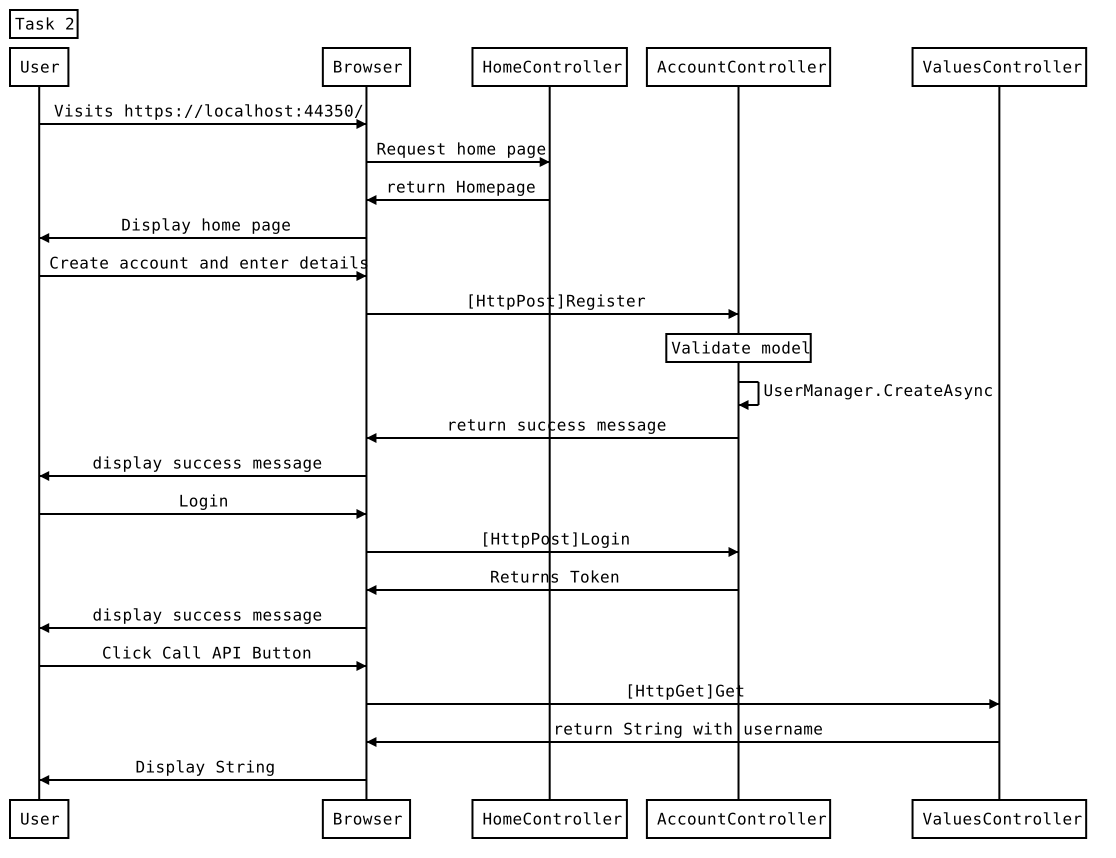
Code to generate sequence diagram using js-sequence-diagrams
Title: Task 2
User->Browser: Visits https://localhost:44350/
Browser->HomeController: Request home page
HomeController->Browser: return Homepage
Browser->User: Display home page
User->Browser: Create account and enter details
Browser->AccountController: [HttpPost]Register
Note over AccountController: Validate model
AccountController->AccountController: UserManager.CreateAsync
AccountController->Browser: return success message
Browser->User: display success message
User->Browser: Login
Browser->AccountController: [HttpPost]Login
AccountController->Browser: Returns Token
Browser->User: display success message
User->Browser: Click Call API Button
Browser->ValuesController: [HttpGet]Get
ValuesController->Browser: return String with username
Browser->User: Display String
Testing
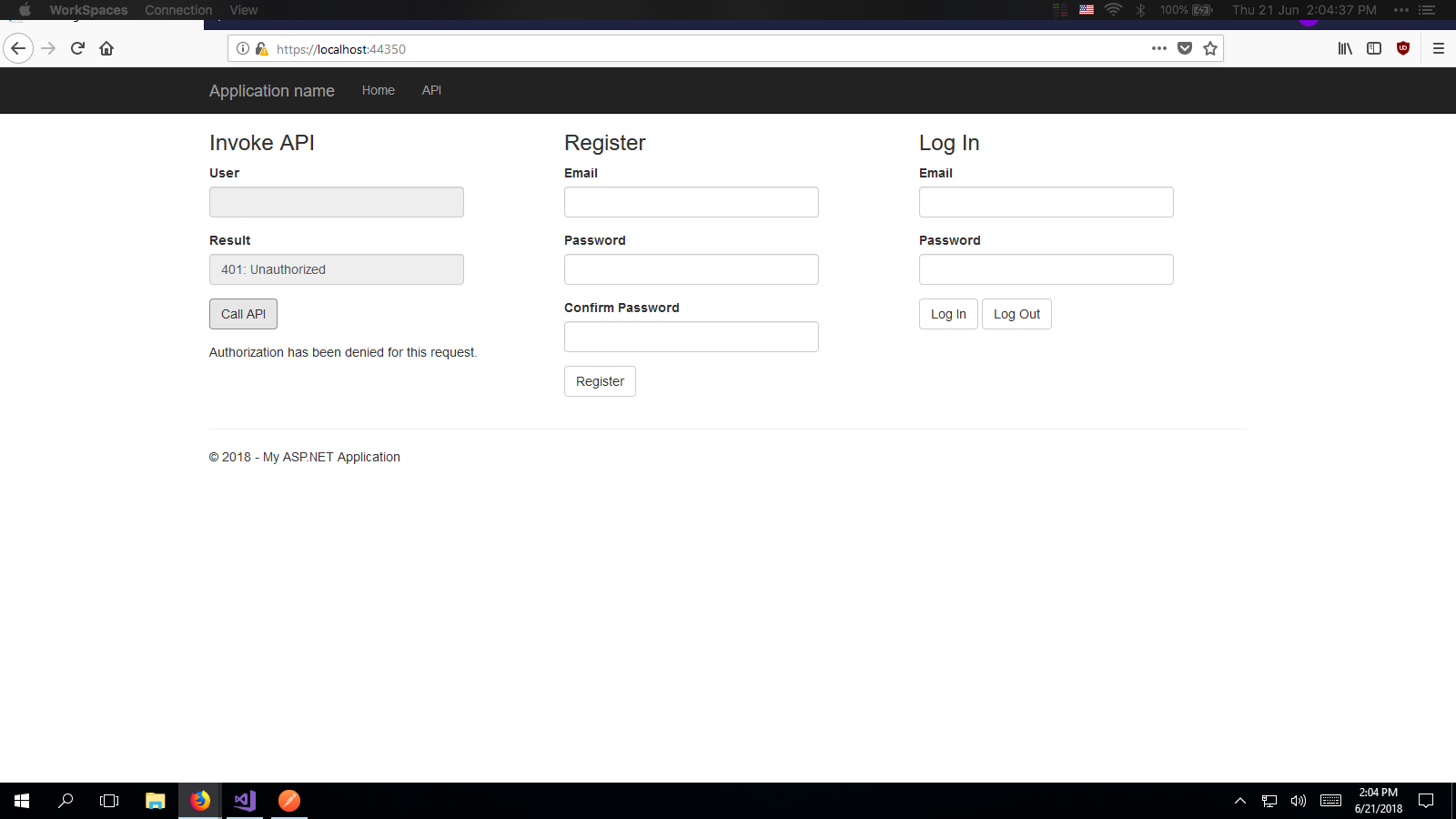
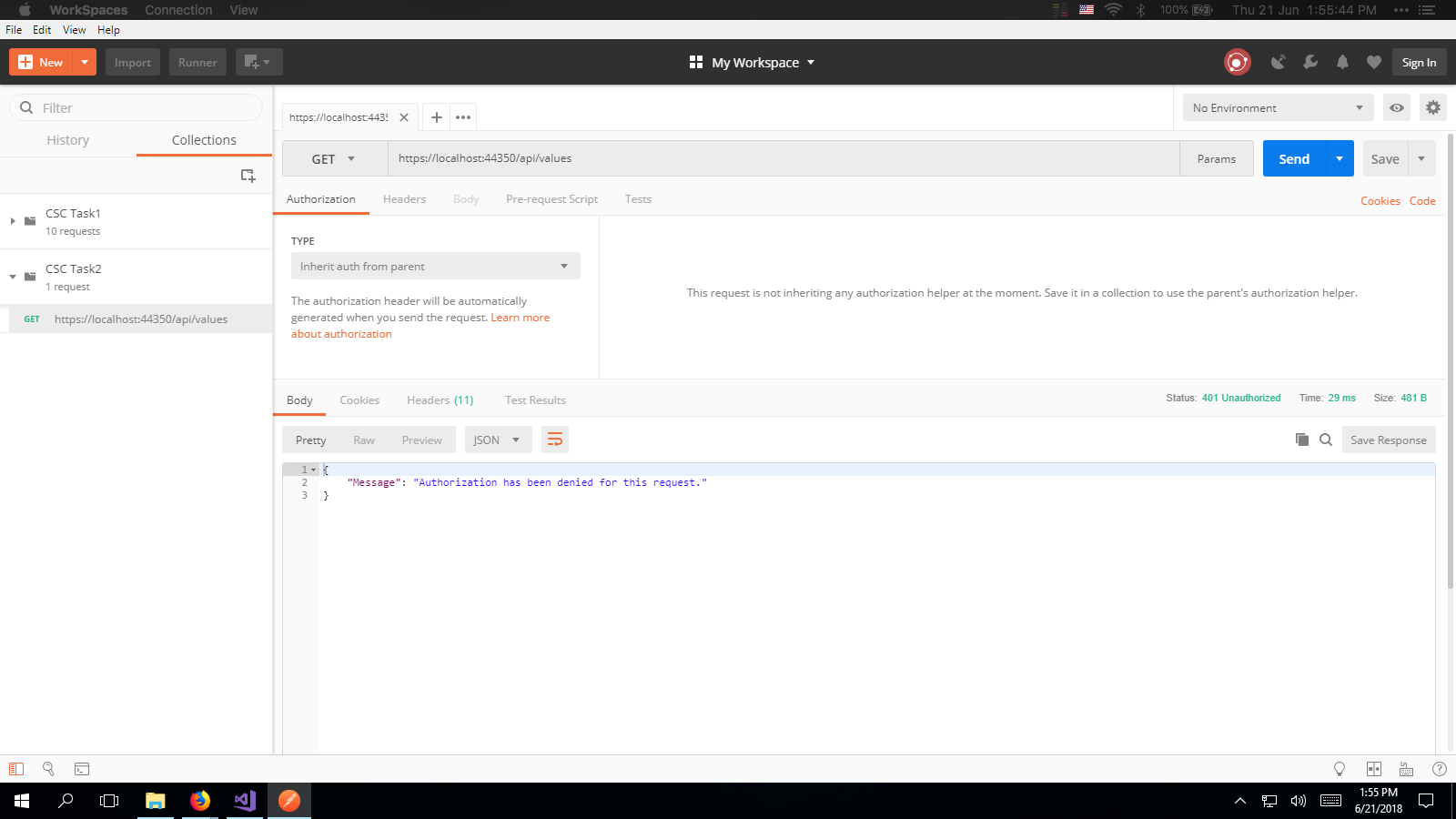
Not authorized
Web
Postman
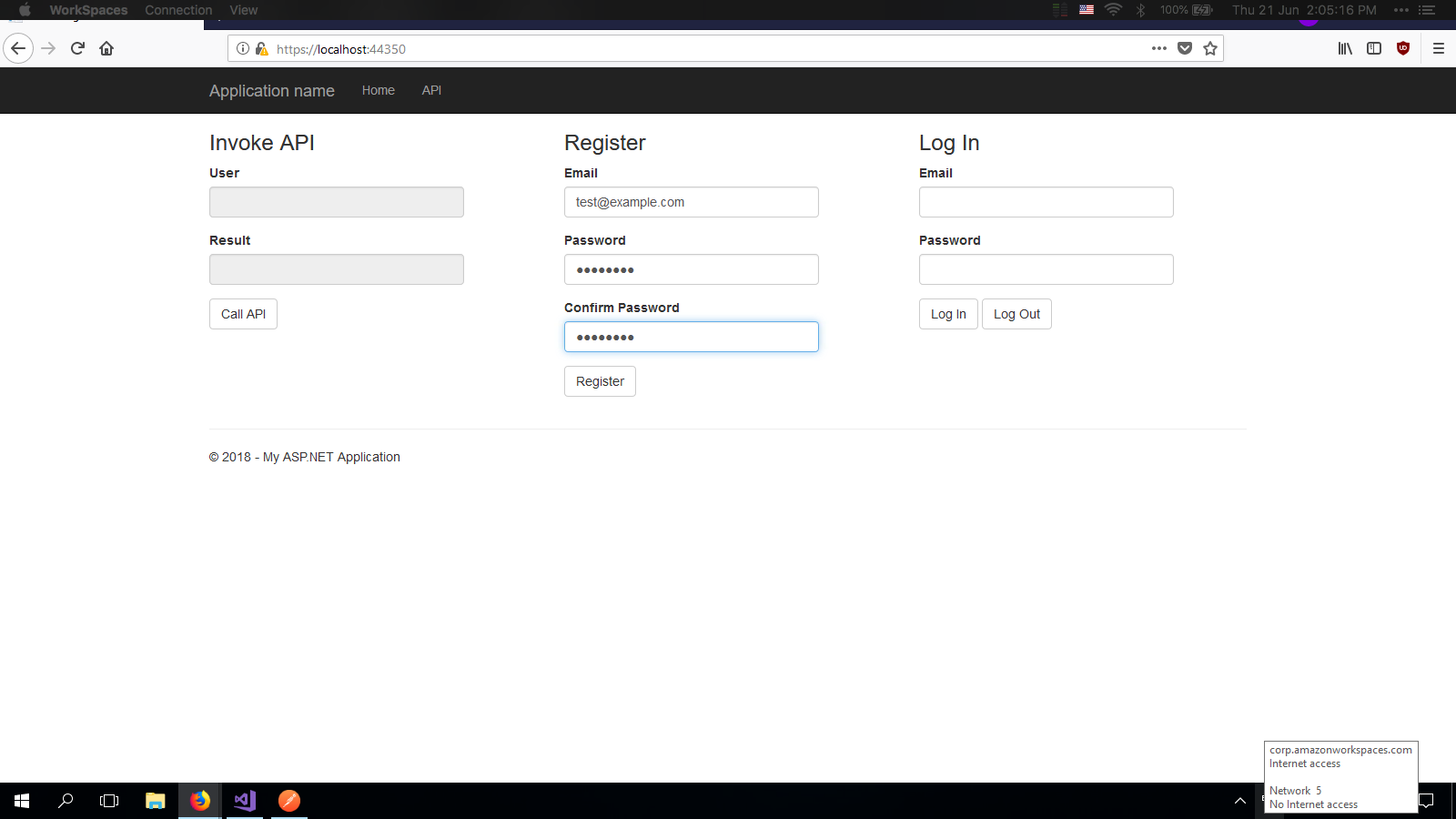
Create account
Login
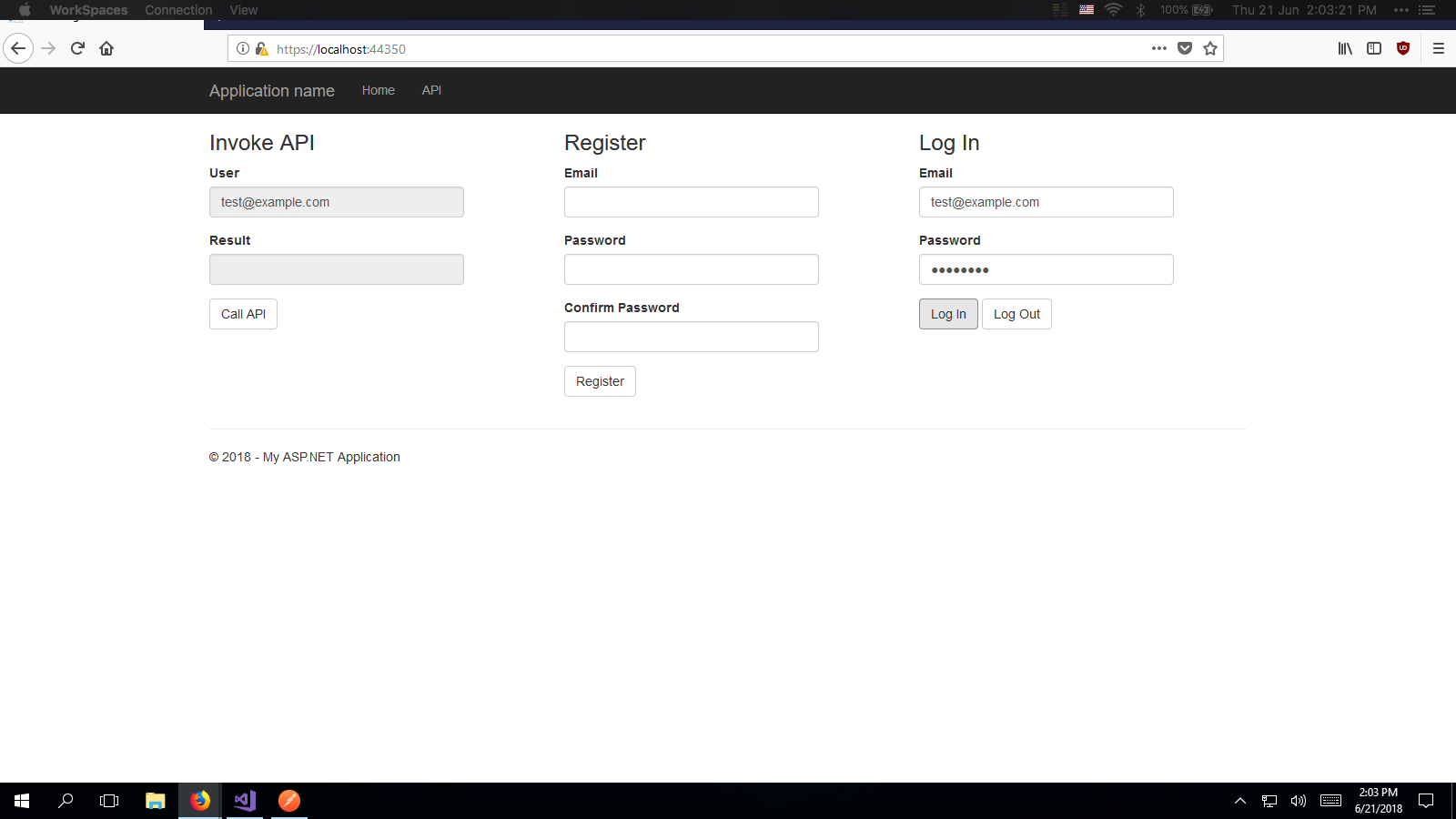
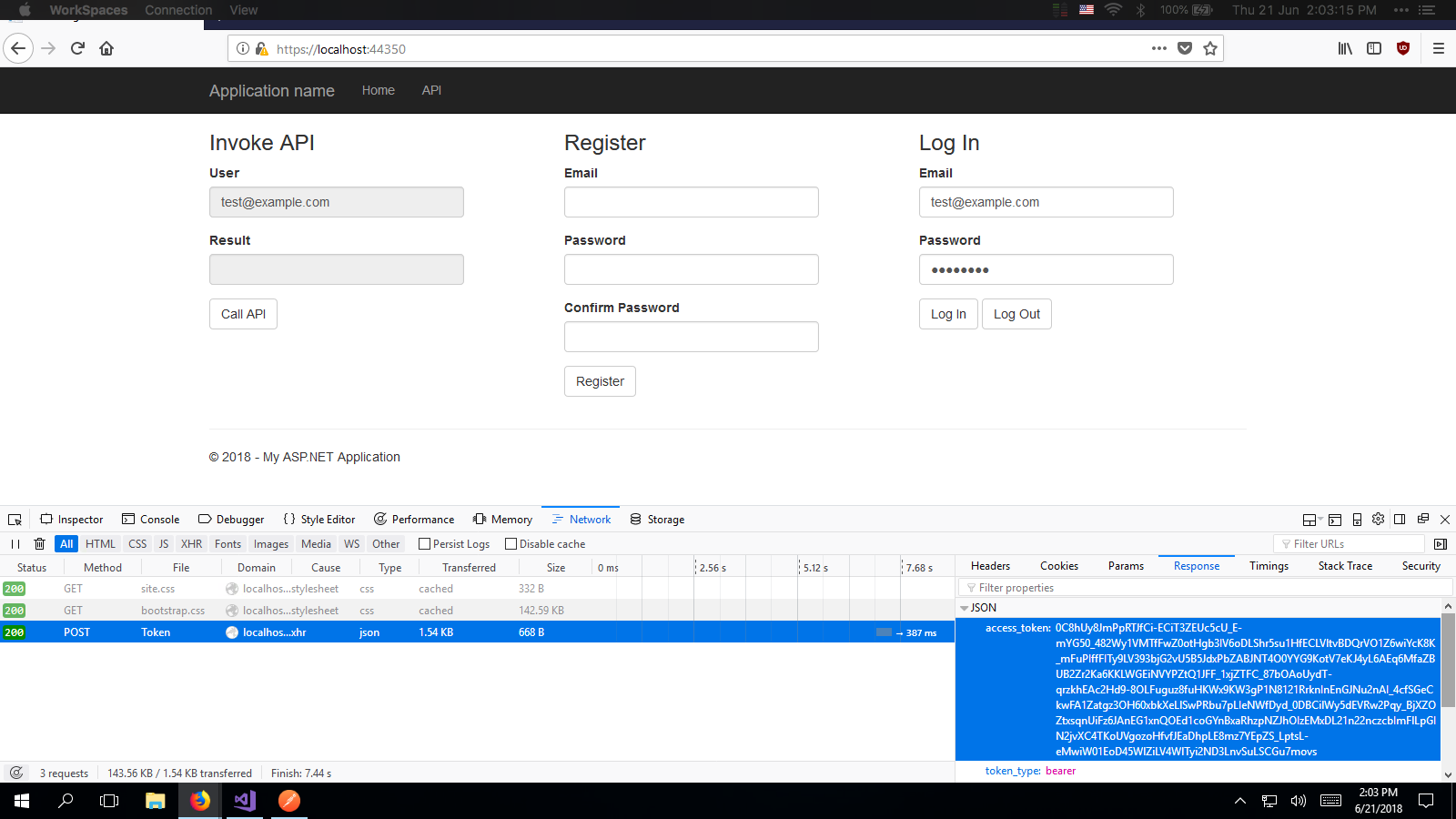
Get bearer token
Press f12 on the keyboard to open developer tools and get the bearer token from the response of login.
Use bearer token in Postman
Use the access/bearer token retrieved from the browser for use in postman.

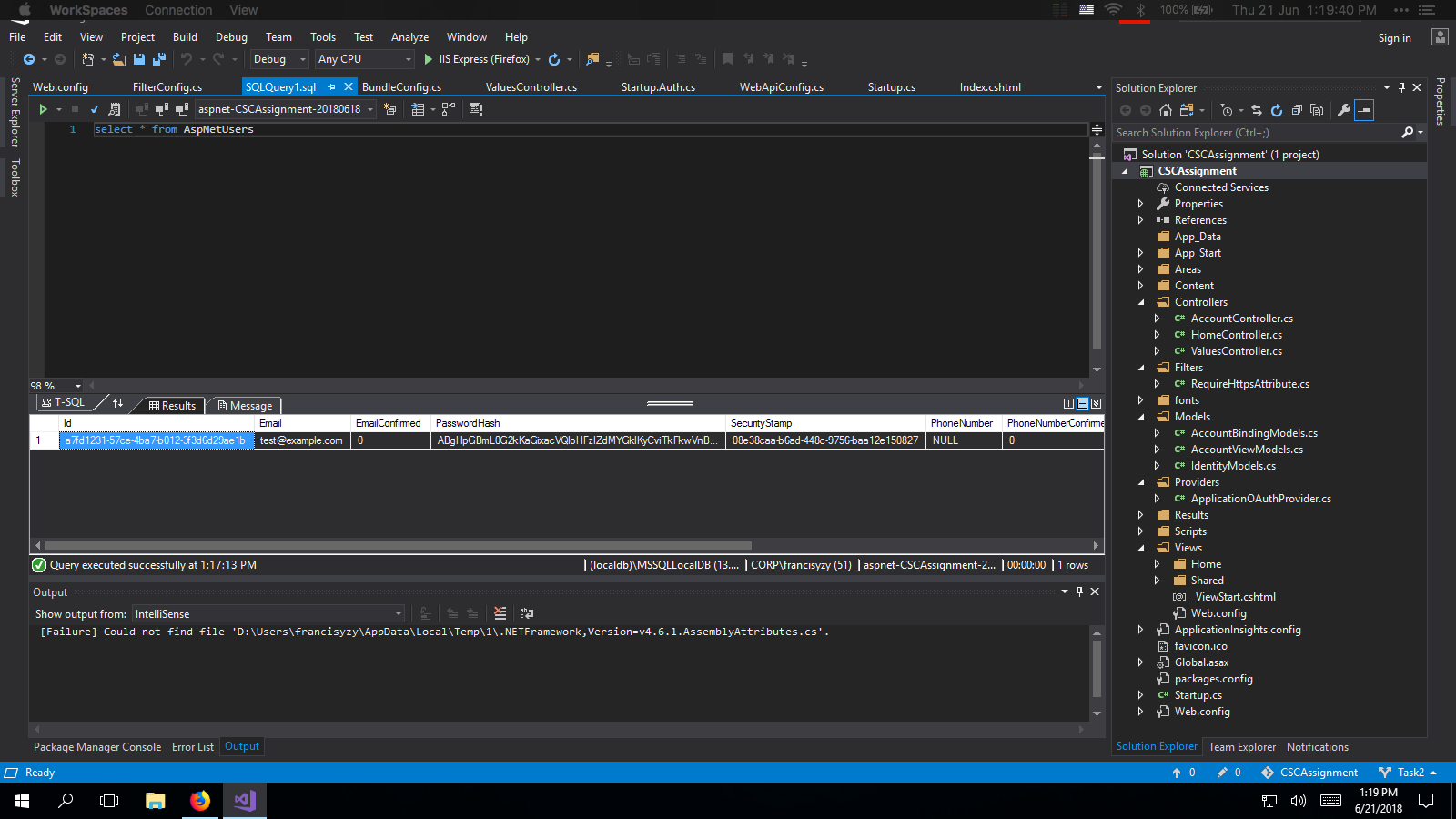
SQL Query to see users
©2018 francisyzy - Github